
Realistic Hunting Controls & Hunting Inputs
Master movement, stance, aiming, and device differences before the next stalk.
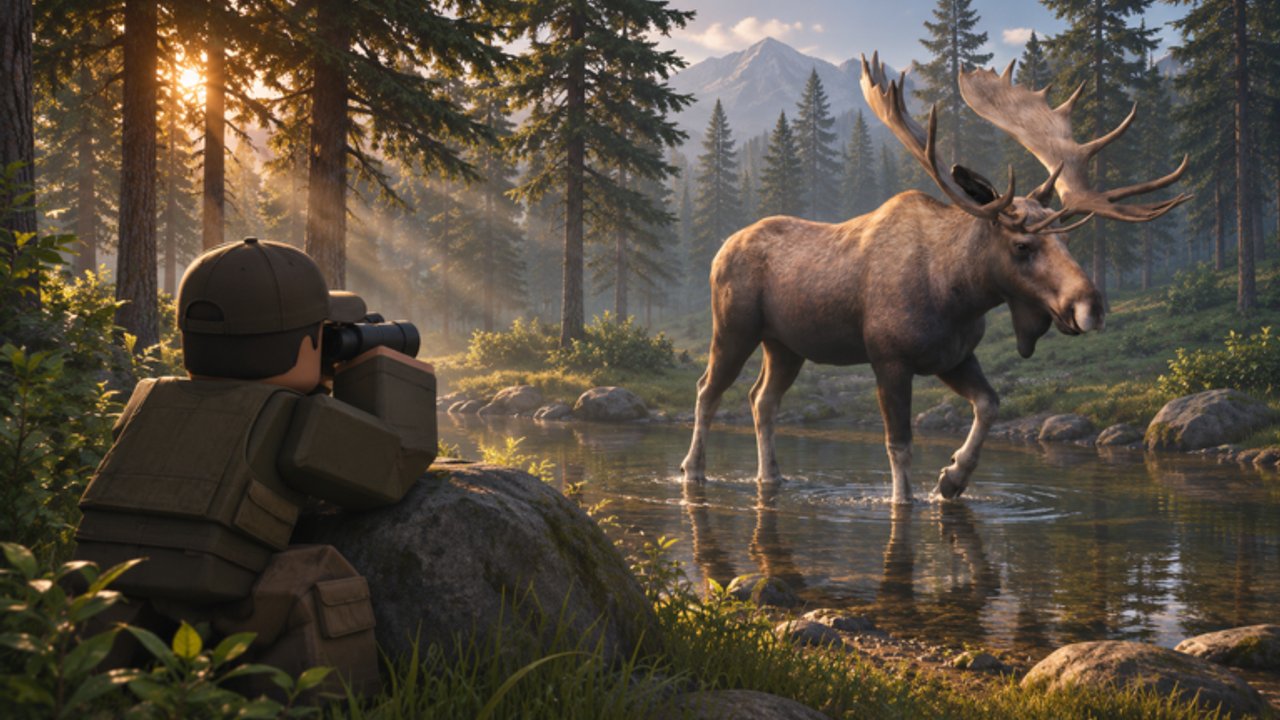
Good aim means nothing if your fingers shout. This controls guide for Realistic Hunting explains how movement, stance, aim-down-sights (ADS), and common Roblox device differences affect the noise meter and shot quality. Use it beside Getting Started on day one and return whenever a patch remaps a bind—watch the Updates Hub for those notes.
Core PC patterns
Exact key labels can vary with Roblox shift-lock and custom binds, but the hunting loop expects:
- WASD — walk; avoid hammering sprint during final approaches
- Shift — sprint (high noise); use only between glassing points
- Ctrl / C — crouch (lower profile and noise)
- X / Z or prone bind — go low for stable shots and concealment when terrain allows
- Right mouse — ADS; settle sway before the trigger break
- Left mouse — fire; prefer deliberate singles on rifles
- R — reload behind cover, never silhouetted on a ridge
- Number keys — weapon or item swaps; pre-select before the animal looks up
- V / binocular key — spot without raising the rifle when possible
If your layout differs, open Roblox settings and write your personal map into a note. Consistency beats copying someone else’s stream overlay.
Mobile and tablet realities
Touch hunters fight UI clutter. Recommendations:
- Enable a larger thumb zone for crouch and fire so you do not stand while shooting.
- Use gyroscope ADS only if you already practice it in other Roblox shooters; otherwise stick to drag aim for vital placement.
- Park the ATV with on-screen stick discipline—tiny forward taps still create engine noise spikes covered in ATV and travel.
- Consider a clip-on trigger pair if you hunt seriously on mobile; accidental jumps scare everything.
Stance versus noise
Think of stance as gears:
- Sprint stand — travel only, maximum signature
- Walk stand — scouting between cover
- Crouch walk — standard stalk
- Prone / still — final twenty meters and shot platform
The noise meter is your truth serum. If it climbs while you “feel” quiet, believe the meter. Wind can still betray a silent hunter, so pair this page with tracking and wind.
ADS and shot cadence
ADS increases precision and usually slows movement. Enter ADS early enough to stop sway, but not so early that you tunnel vision and miss a flanking elk. After a hit, exit ADS to scan for blood start points, then re-shoulder if a follow-up is ethical and safe. Spray fire from the hip belongs in arcade titles, not this sim—animal tiers on the animals list assume vital discipline.
Bolt or slower rifles punish panic. Practice a rhythm: spot, stance down, ADS, break, observe, then move. Shotguns forgive angle slightly in timber but still need center-mass commitment; see weapons for when to swap platforms.
Inventory and menu hygiene
Opening large menus mid-stalk is how animals walk out of your life. Before you push a track:
- Top off the magazine
- Confirm attachment setup
- Clear enough cabin or bag space for the harvest (cabin and trophies)
- Set chat to a mode that will not cover your reticle with party spam (Players Hub)
Shift-lock, camera, and third person
Many Roblox hunters use shift-lock for stable strafing. In Realistic Hunting, evaluate whether lock helps your ADS or makes prone transitions awkward. Third-person can reveal grass collisions your first-person view misses; first-person often reads iron sights and scopes better. Switch intentionally per hunt type instead of leaving camera on default forever.
Accessibility and comfort
Lower mouse sensitivity for scoped rifles; raise it slightly for shotgun timber jumps. Add a brighter UI scale if you struggle to see the noise meter at night. Colorblind players should test track and blood contrast early—if a patch worsens readability, note it on patch notes discussions and adjust graphic settings.
Drills that hardwire control
Noise ladder: From a known deer bed, approach once sprinting (expect failure), once walking, once crouching. Feel the difference.
ADS timer: Count a steady “one-two” after shouldering before you allow yourself to fire.
Reload under pressure: After a miss, back into cover, reload, then re-engage—never reload silhouetted.
Device swap: If you play both PC and mobile, run the noise ladder on each so muscle memory does not cross-wire.
Linking controls to progression
Skills that stabilize aim or reduce movement noise multiply good inputs. Unlock those before cosmetic flex. Codes on the Codes Hub may occasionally bankroll attachments that make ADS kinder—redeem when available, but do not wait on codes to practice stance.
Avoid scripts that claim “silent walk” cheats; they risk the account and teach nothing transferable (Scripts Hub).
Quick reference mindset
Every control mistake is information. If deer flee at eighty meters, you were loud or upwind. If shots sail high, your ADS settle was short. Fix the input, then take the next stalk. When controls feel invisible, you are ready for rare-coat patience routes in rare animals and tougher species.
Return to the Guides Hub whenever you need the wider curriculum. Hands quiet, meter low, vitals true.
Frequently Asked Questions
Quick answers for hunters learning Realistic Hunting on Roblox.
What stance should I use for the final approach?
Crouch for most of the stalk and drop prone or stay perfectly still for the shot when terrain allows.
Does sprinting always spook animals?
It spikes noise and often ends stalks early. Sprint between glassing points, never into the final approach.
Is mobile viable for Realistic Hunting?
Yes with careful thumb layout and patience. Many serious hunters still prefer PC for fine ADS control.
Should I play first-person or third-person?
Use first-person for precise scoped shots and third-person when you need body awareness in thick brush. Swap by situation.